

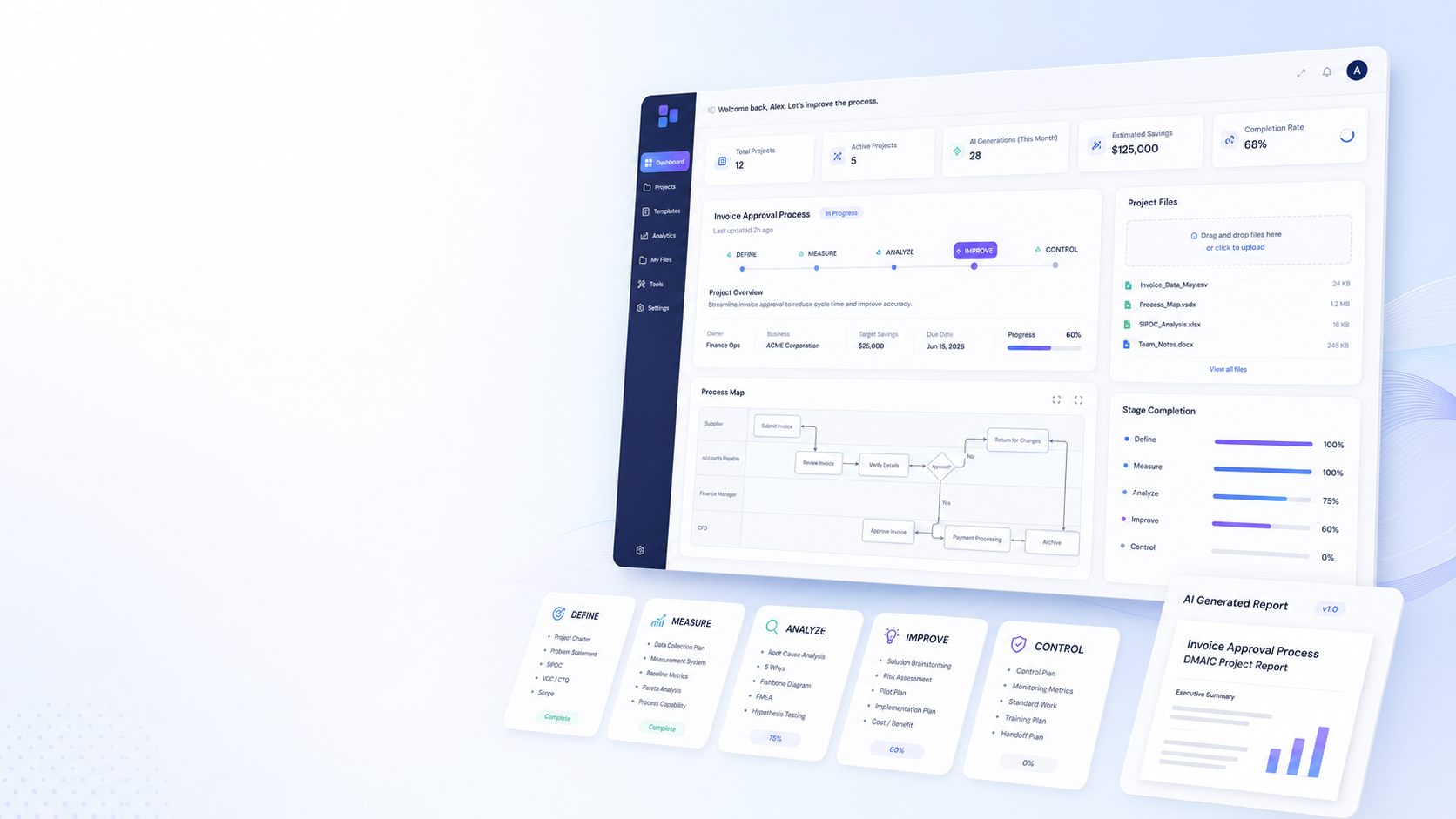
Find the Root Cause. Fix the Problem.
Recurring process problem? Describe what’s happening, upload your data, and DMAICPROCESS.AI guides you through Define, Measure, Analyze, Improve and Control—so you can identify root causes, prioritize solutions, and build an actionable improvement plan in minutes.
It’s That Simple.
Start with the problem. Add the information you already have. DMAICPROCESS.AI guides you through the rest.
Describe the problem
Tell us what’s happening, what process is affected, and what needs to improve.
Upload Files
Add spreadsheets, PDFs, notes, presentations, or other supporting files.
Generate Each Stage
Move through Define, Measure, Analyze, Improve, and Control with editable AI-assisted outputs.
Guided DMAIC, One Stage At A Time
No blank AI prompt. Follow a structured Define-to-Control workflow with practical, editable outputs at every stage.
Define The Problem Clearly
Turn what you know about the problem into a clear project foundation with the scope, customer impact, and target outcome defined.
- Project charter
- Problem statement
- VOC and CTQ summary
- SIPOC outline
Define Output

Measure the current process
Establish the baseline with current data, a measurement plan, process map, and performance metrics before moving to solutions.
- Baseline metrics
- Data collection plan
- Process map
- Measurement notes
Measure Output

Analyze The Root Causes
Use the data and evidence to identify likely root causes, prioritize them, and build a practical validation plan.
- Root cause analysis
- 5 Whys and fishbone thinking
- Pareto-style insights
- Validation plan
Analyze Output

Build And Test Solutions
Turn validated root causes into prioritized solutions, pilot plans, and clear implementation steps.
- Solution options
- Prioritization matrix
- Pilot plan
- Implementation plan
Improve Output

Sustain The Improvements
Keep the gains in place with a control plan, monitoring metrics, standard work, and a clear response plan if performance starts to drift.
- Control plan
- Monitoring metrics
- SOP and checklist
- Response plan
Control Output
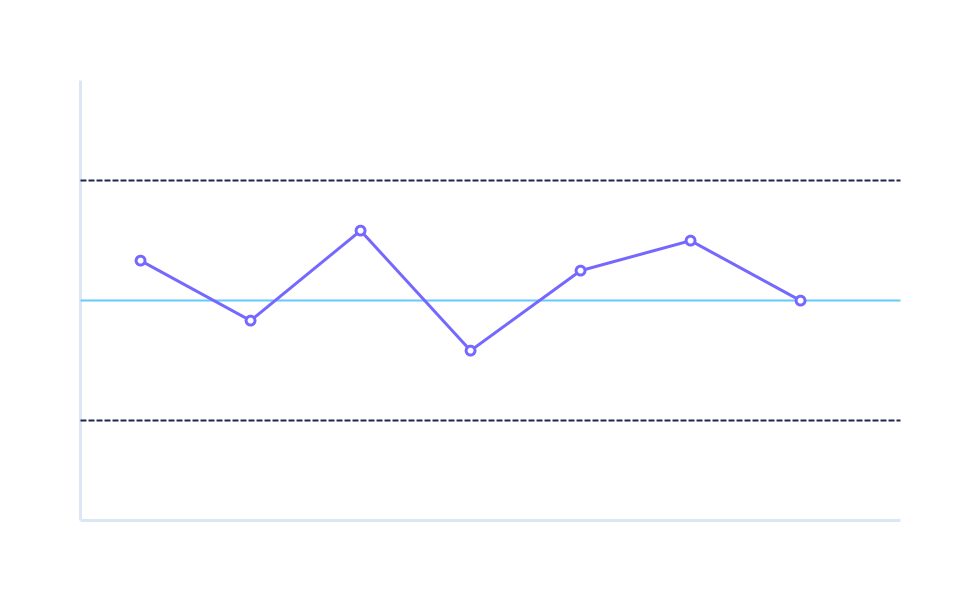
See What A Finished DMAIC Project Looks Like
Explore project examples so you can see the structure, outputs, and level of detail before starting your own project.
Quality Complaint Improvement Project
See how a quality complaint can move through containment, root cause analysis, corrective action, and control.
- All 5 DMAIC stages
- Editable generated sections
- Process map included
Reduce Production Downtime by 20%
A manufacturing example focused on repair downtime, equipment issues, and practical improvement actions.
- Real project structure
- Improve and Control included
- Outcome-focused report
Automotive Door Molding Project
A historical automotive manufacturing project transformed into a modern DMAIC example focused on attachment-force quality improvement.
- OCR-friendly source story
- Measurement and Red X logic
- Control checklist included
Choose The Plan That Fits Your Work
Start free, then upgrade when you need more projects, storage, AI generation, and support.
Free
Ideal for business owners who want to explore AI-powered DMAIC problem solving at no cost.
- 1 user account included
- 50 MB data storage
- Access to the Define section
- 1 active project at a time
- Basic AI generation (limited outputs)
Not included
- Measure, Analyze, Improve & Control sections
- File upload (Word/Excel)
- Saved project history
- Regenerate button
- Priority support
No credit card required
Premium
Perfect for power users and growing businesses needing unlimited AI-powered DMAIC problem solving.
- 1 user account included
- 5 GB data storage
- All 5 DMAIC sections (Define through Control)
- Unlimited active projects
- Full AI generation per section
- Regenerate button, unlimited use
- Word & Excel file upload (large files)
- Editable AI-generated content
- Full saved project history
- Priority support and onboarding
- Early access to new features and tools
Cancel anytime
Standard
Perfect for business owners ready to run complete AI-powered DMAIC improvement projects.
- 1 user account included
- 500 MB data storage
- All 5 DMAIC sections (Define through Control)
- Up to 10 active projects
- Full AI generation per section
- Regenerate button for better outputs
- Word & Excel file upload
- Editable AI-generated content
- Saved project history
- Email support and onboarding assistance
Not included
- Unlimited projects
Cancel anytime
Prices in USD, billed monthly. See full plan details and yearly pricing.
Need Help? Start Here.
We can help with subscriptions, project questions, and anything else you need.
Subscriptions
Billing, plan changes, account access, and usage limits.
Project Support
Questions about files, AI output, reports, and DMAIC stages.
Other Questions
Partnerships, feedback, and general platform questions.